Message Templates and Recommended Setup
Message templates
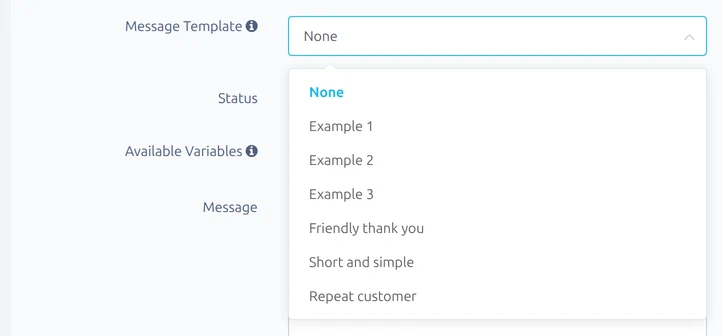
Every message type has a library of ready-made messages to start from. On Preferences → Messages, pick one from Message Template, then change the wording as much as you like before saving.
Recommended setup
If you'd like to get everything going at once, use Recommended setup on your dashboard's setup checklist. It switches on:
- the purchase, dispatch, feedback received and feedback reminder messages, for domestic and international orders
- automatic feedback, left when the order is complete
Any message you've already written is kept. Empty ones are filled in from the template library, so check them over on the Messages page and add your own name or shop name.